
 $159.00 AUD
 $46.95 AUD
Explore aquarium and aquascaping tools at The Tech Den, including planting tweezers, trimming scissors, coral grippers and equipment maintenance accessories. Compare tool lengths, shapes and compatibility to find practical options for your planted aquarium or reef tank.
Position aquatic plants with Fluval 27cm planter forceps or Up Aqua 45cm straight planting tweezers. For trimming, compare Fluval 15cm spring scissors, 25cm curved planter scissors and Betapet 25cm curved wave scissors. Seachem Aquavitro double-curve shears are designed for trimming near the aquarium bed and reaching beneath or behind rocks and driftwood.
The range includes Maxspect coral grippers in 60cm and 83cm lengths, Aqua One 48cm multipurpose tongs, and Seachem Aquavitro coral spring cutters. Choose the length and cutting or gripping style suited to the task and the areas you need to reach.
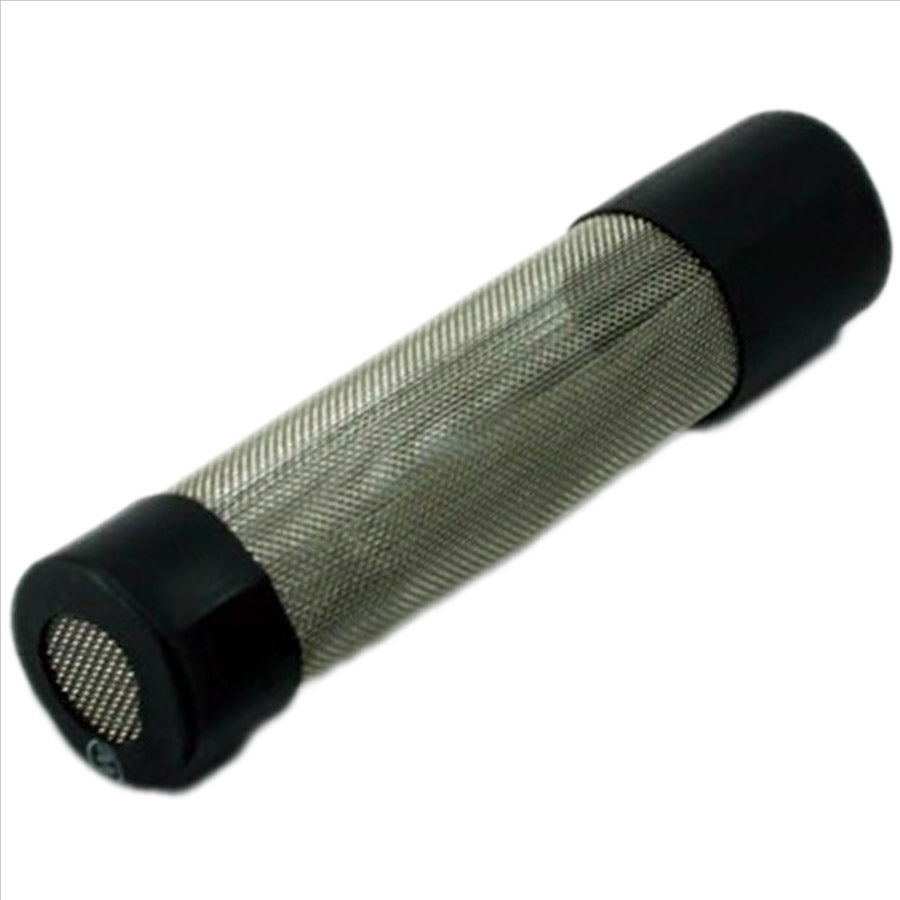
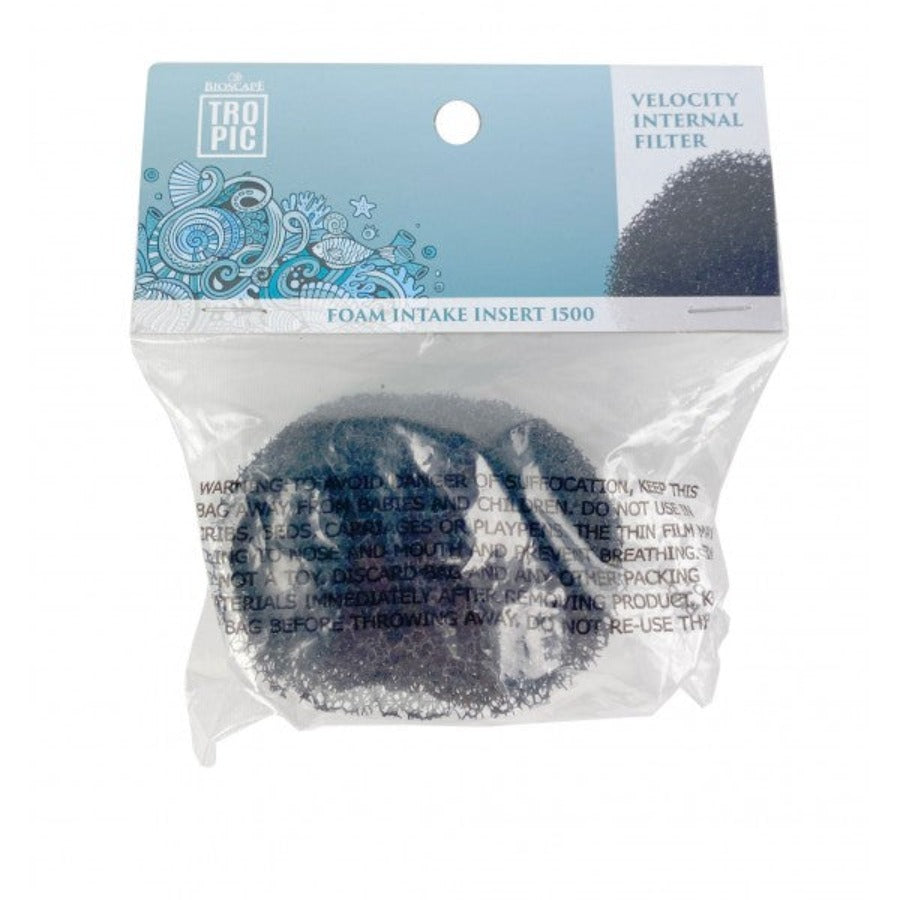
Browse JBL aquarium glass cleaner and impeller cleaning tools, Aqua One silicone lubricant for o-rings and moving parts, filter media bags, intake guards and pre-filter sponges. Match replacement parts and fittings to your equipment: intake guards, hoses and tap sets have product-specific sizes or model requirements.
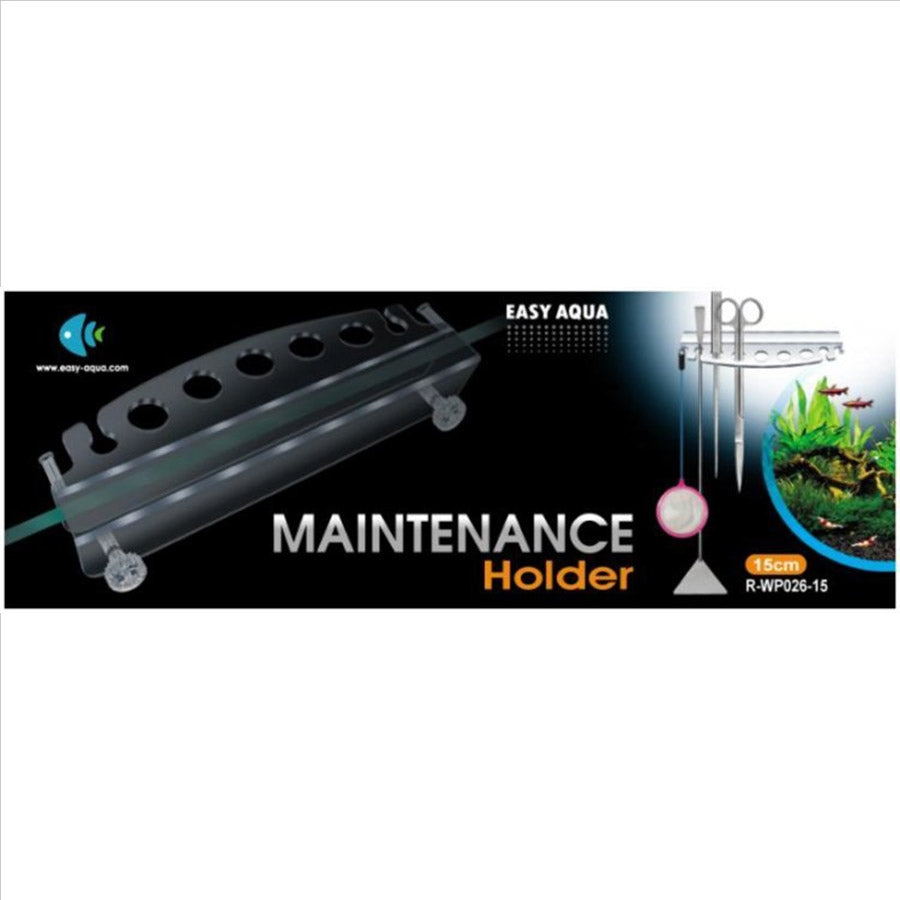
Keep planting tools organised with the Easy Aqua aquascaping tool holder, listed to hold up to nine tools on aquarium glass up to 10mm thick. This collection also includes plant pots, CO2 accessories, Neptune Systems probes and cables, and selected aquarium and pond equipment. Check each listing for dimensions, system compatibility and delivery requirements before ordering.