
 $159.00 AUD
 $46.95 AUD
Explore aquarium thermometers, hydrometers and seawater refractometers at The Tech Den. Compare glass and digital temperature displays, WiFi monitoring options and marine salinity tools to find equipment suited to your aquarium and maintenance routine.
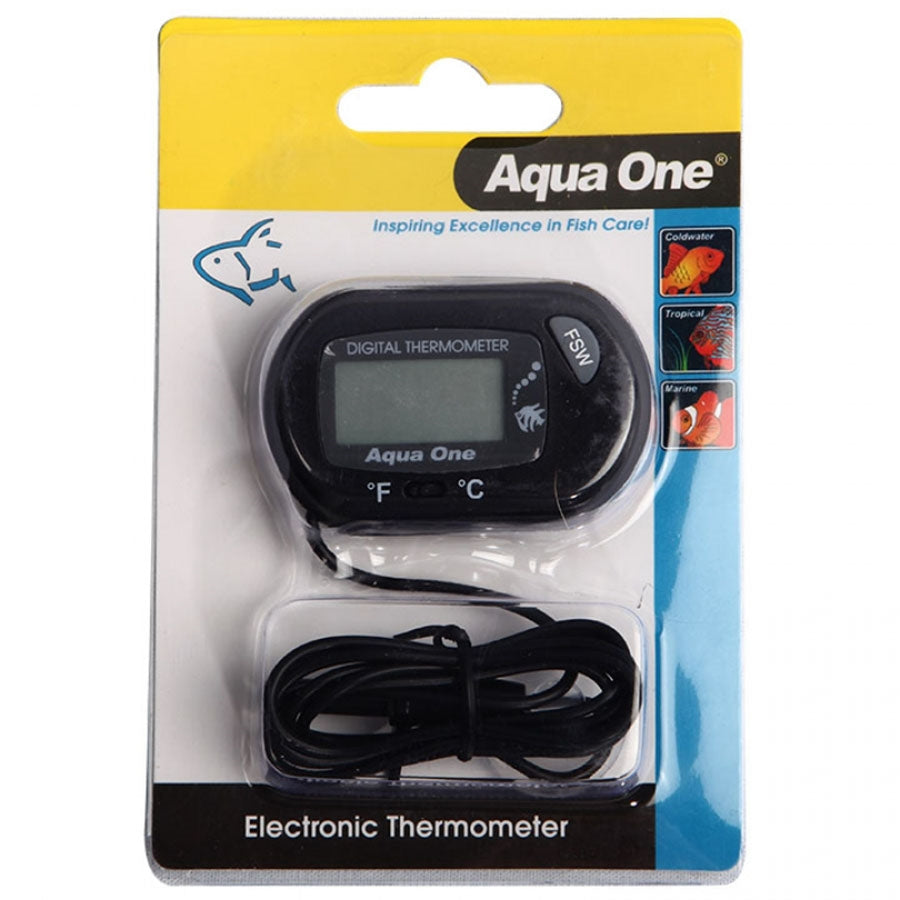
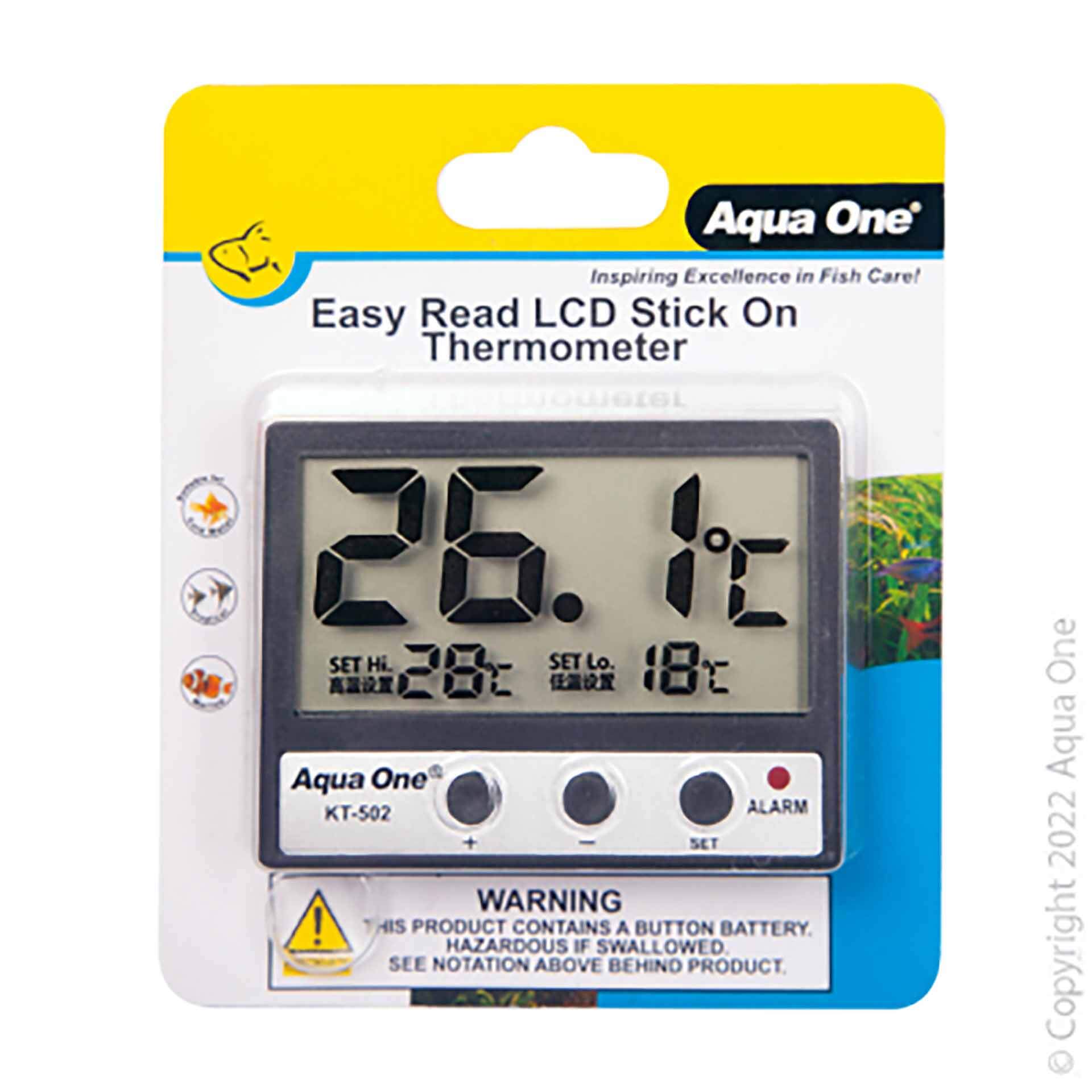
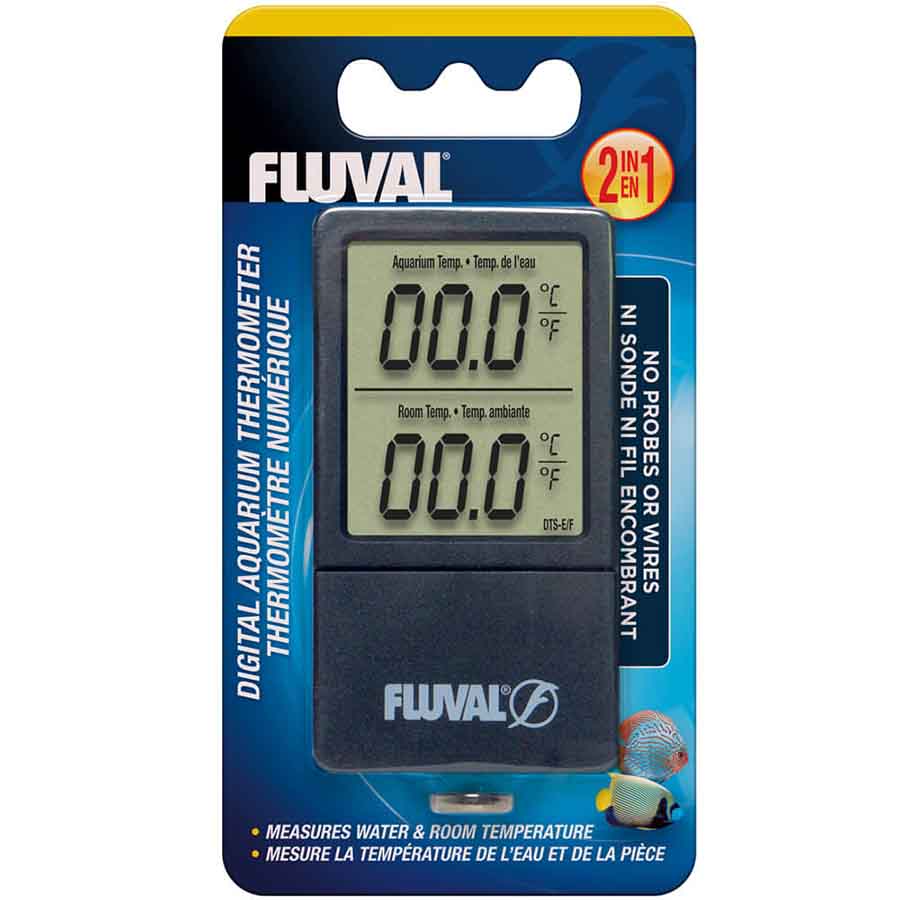
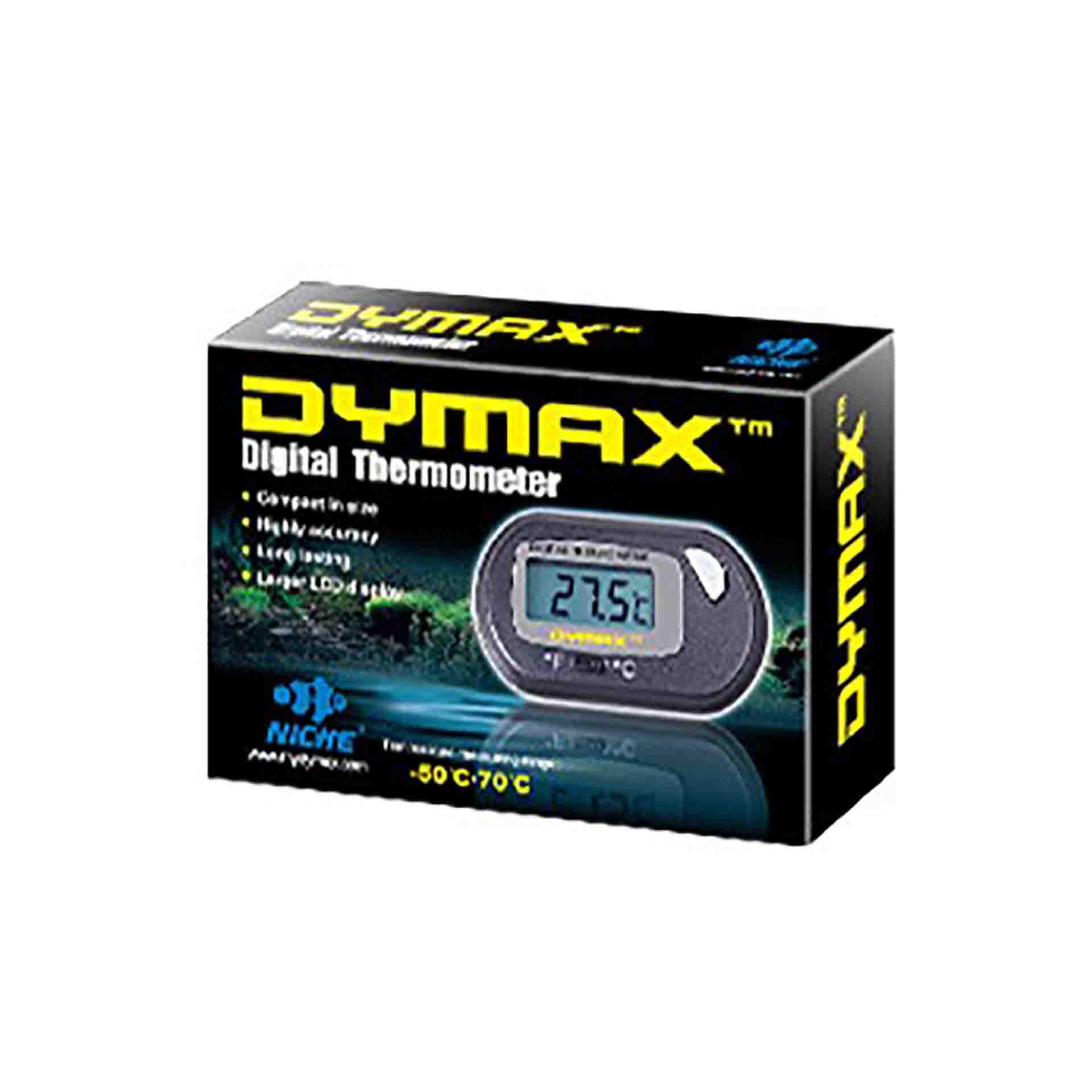
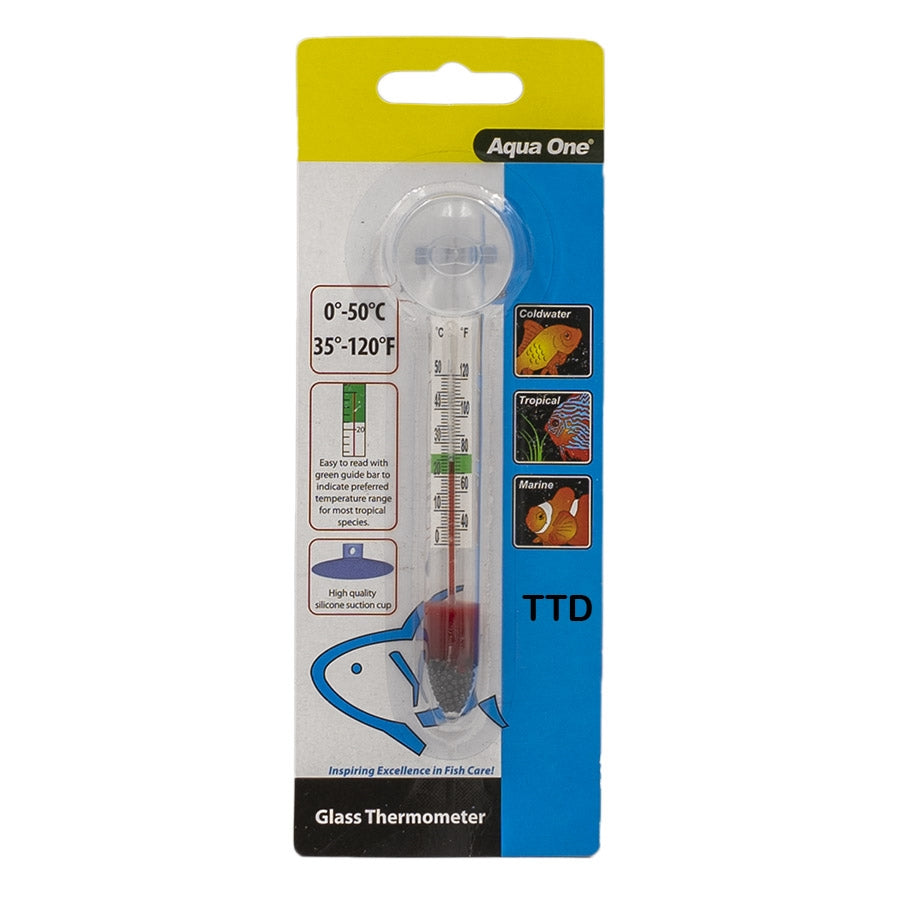
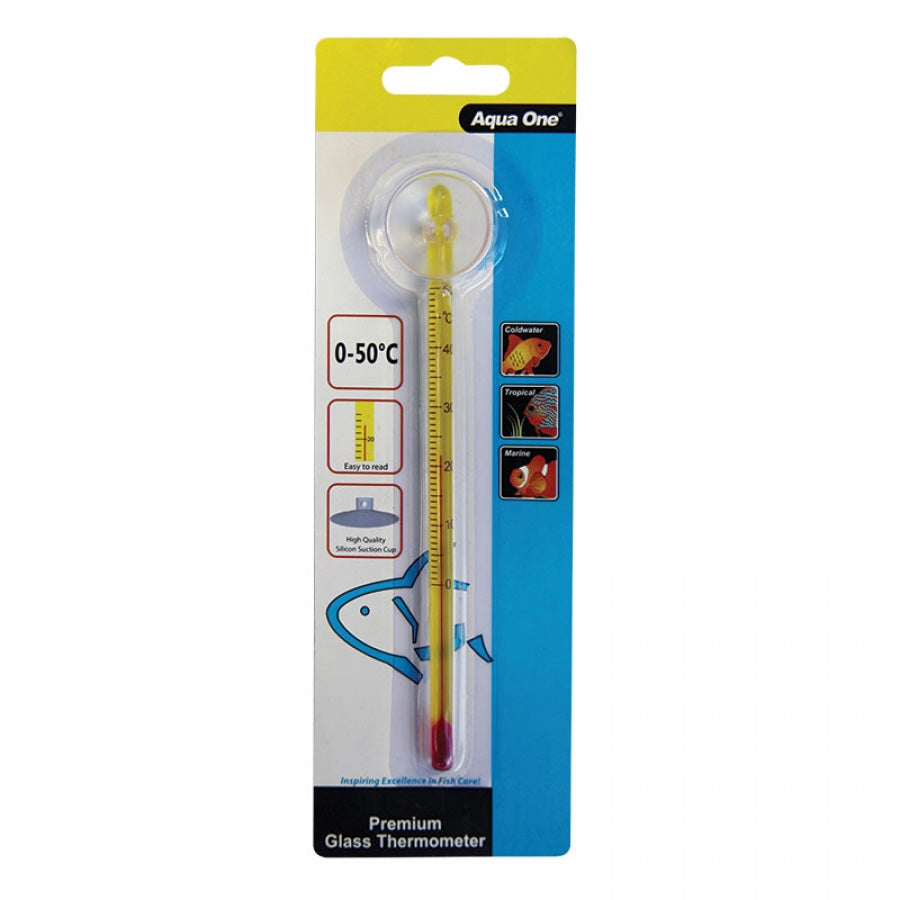
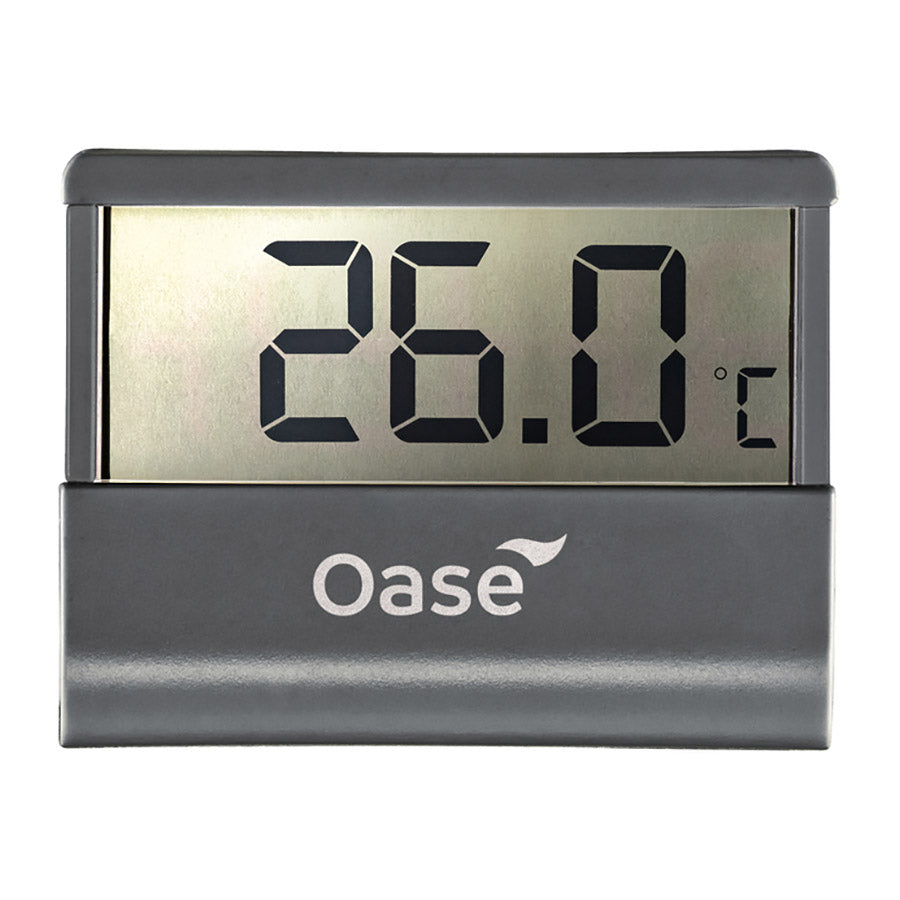
Browse Aqua One glass thermometers with suction cups, digital models from Aqua One, Oase, Dymax and Juwel, and the Fluval 2-in-1 digital thermometer. The Fluval model displays aquarium water and room temperature simultaneously and is listed for freshwater and saltwater use. Check each thermometer's mounting method, measuring range and Celsius or Fahrenheit display options.
ADA NA J-style thermometers hang over the aquarium edge without suction cups. Options are listed for glass thicknesses of 5mm, 6mm, 10mm, 12mm and 15mm. Match the thermometer size to your aquarium's glass thickness before ordering.
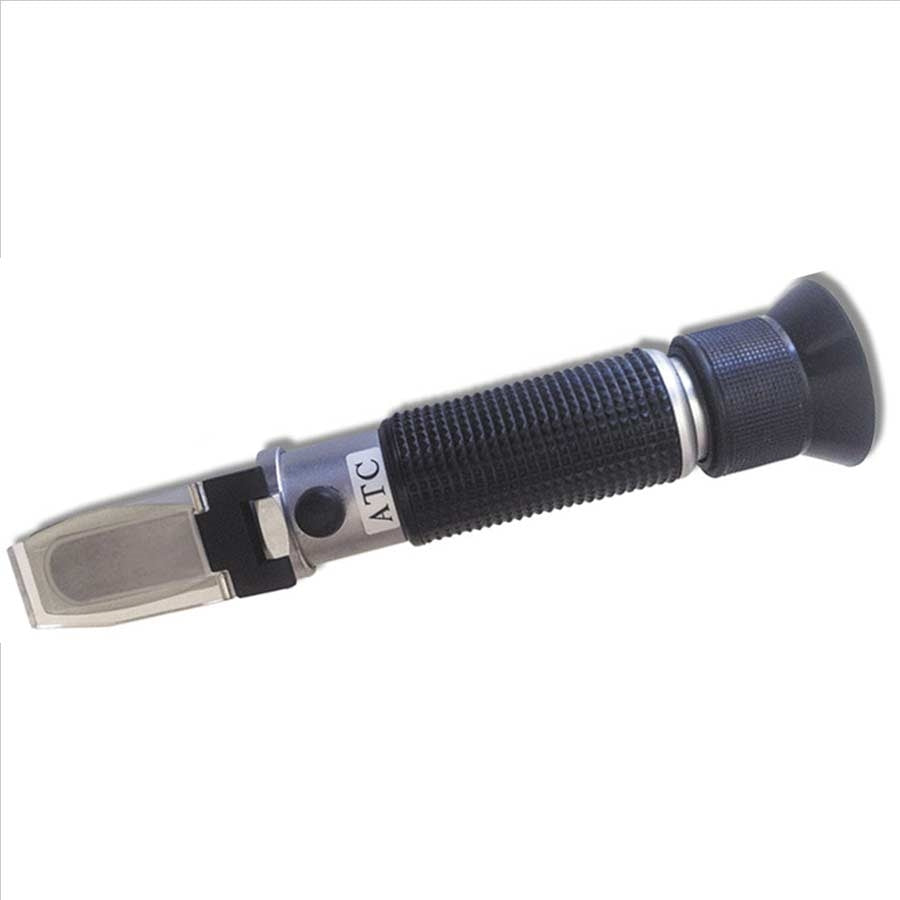
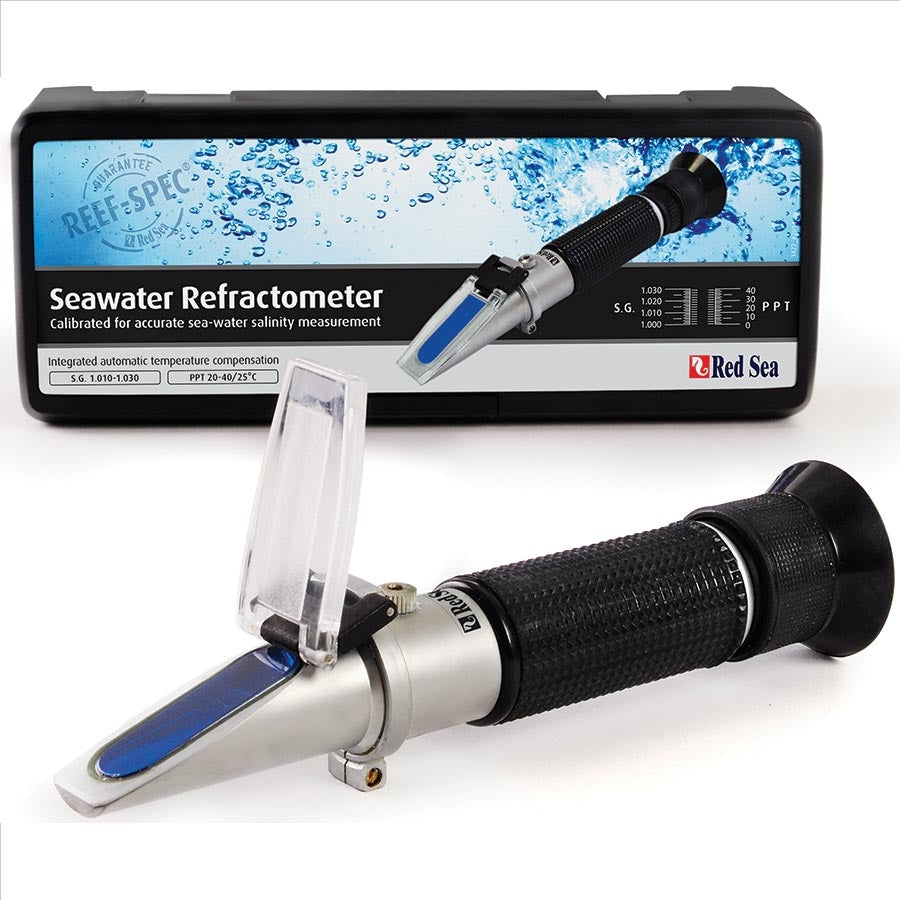
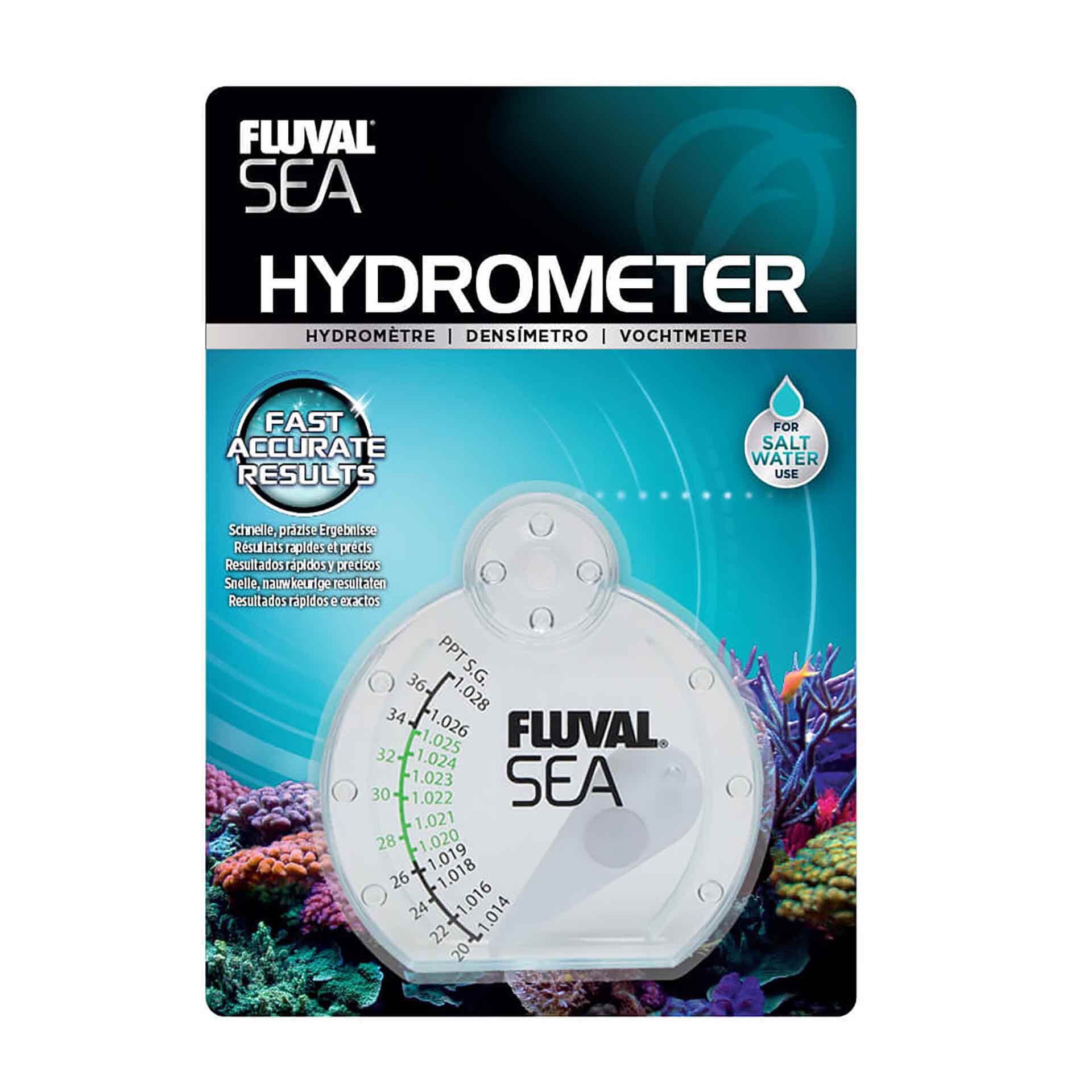
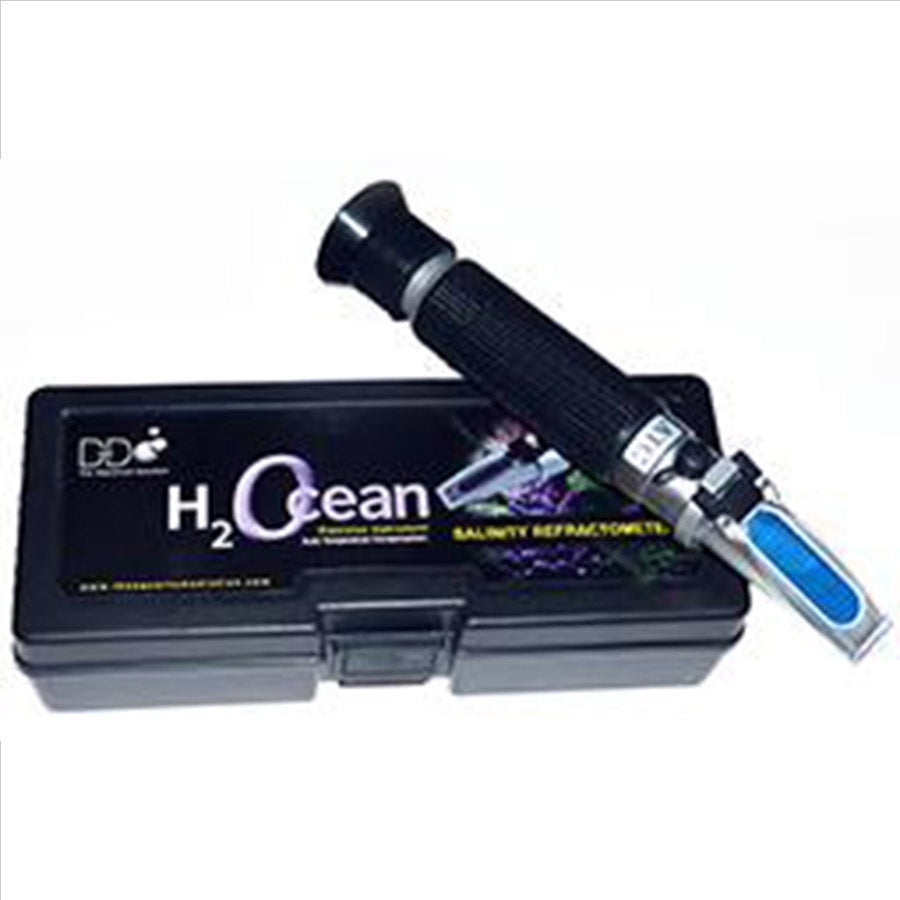
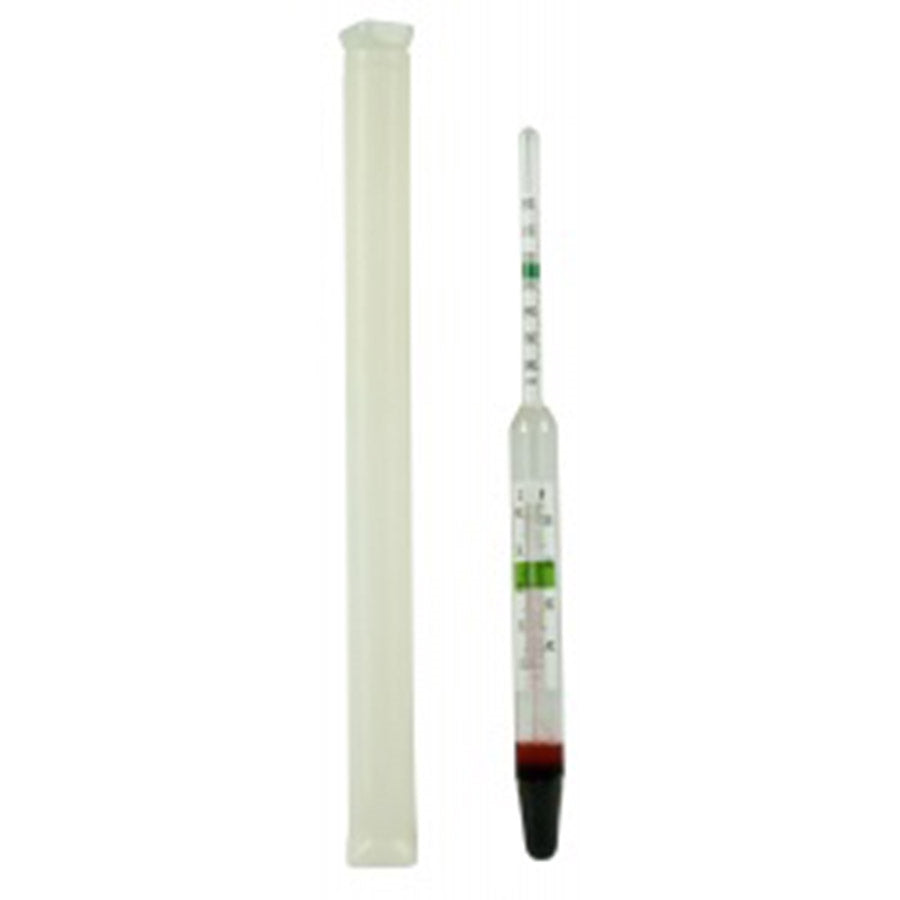
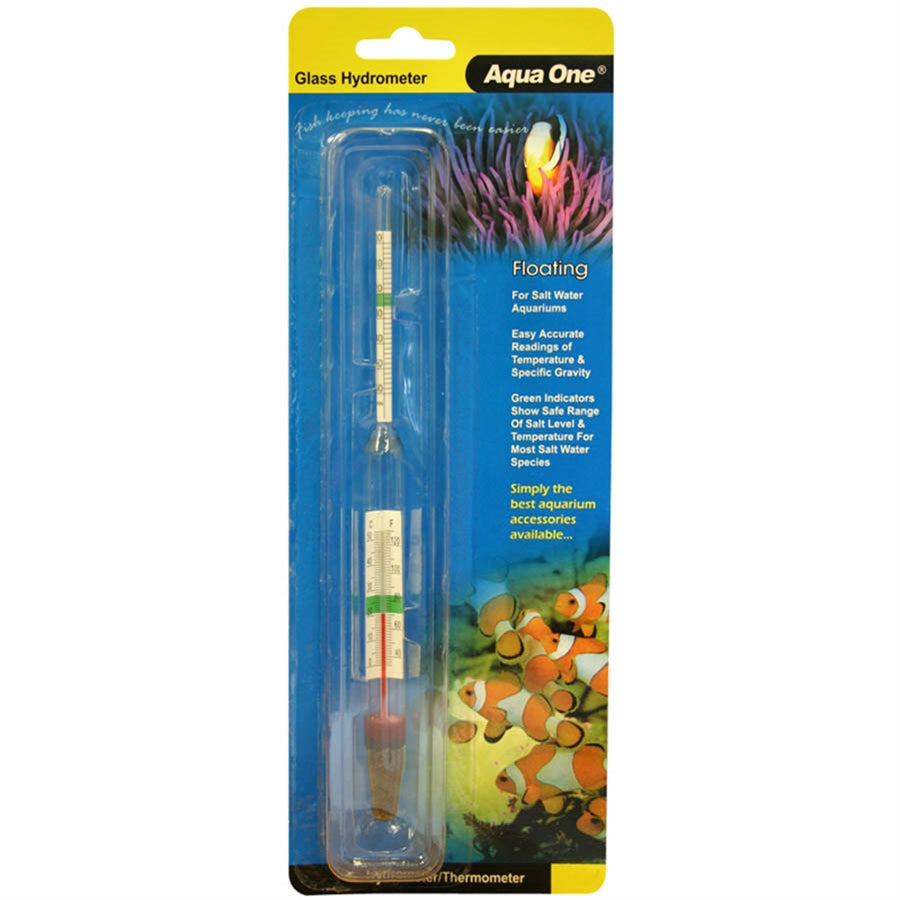
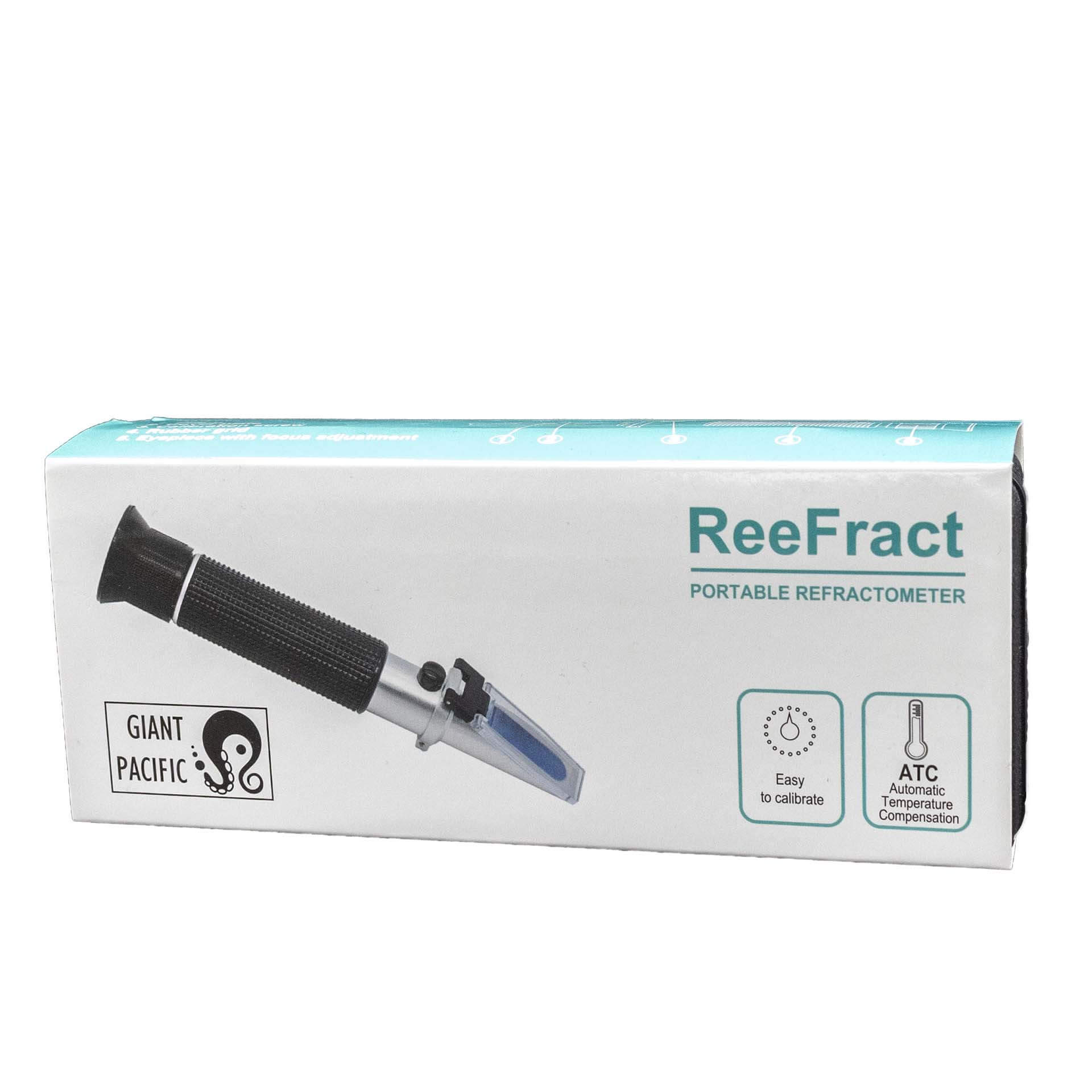
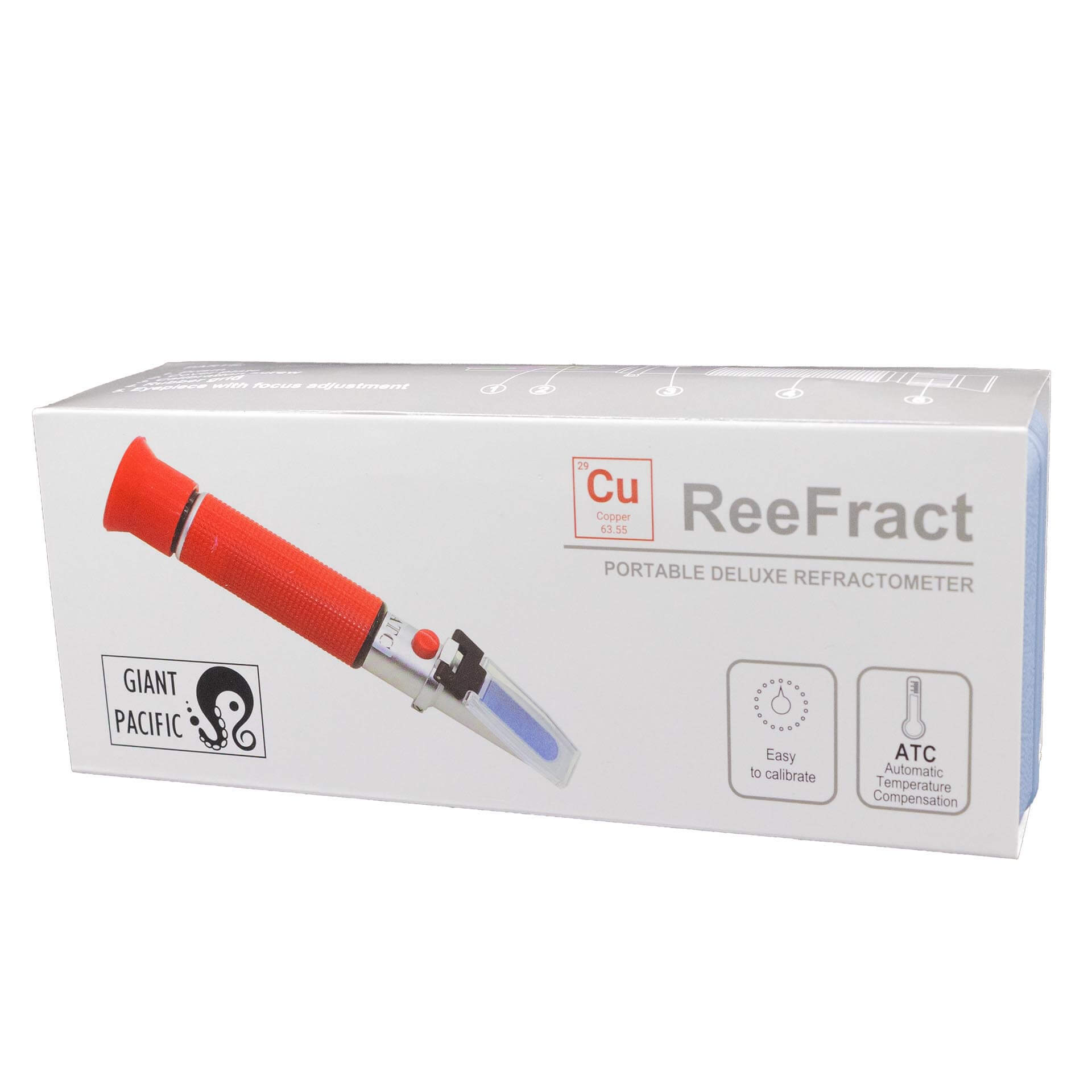
Marine measurement options include Aqua One glass and chamber hydrometers, the Fluval SEA levered hydrometer, and seawater refractometers from Red Sea, D-D and Serenity. Giant Pacific ReeFract models are also listed with automatic temperature compensation. Compare the instrument's measurement scale, intended use and calibration instructions, and follow the specific model's guidance for taking readings.
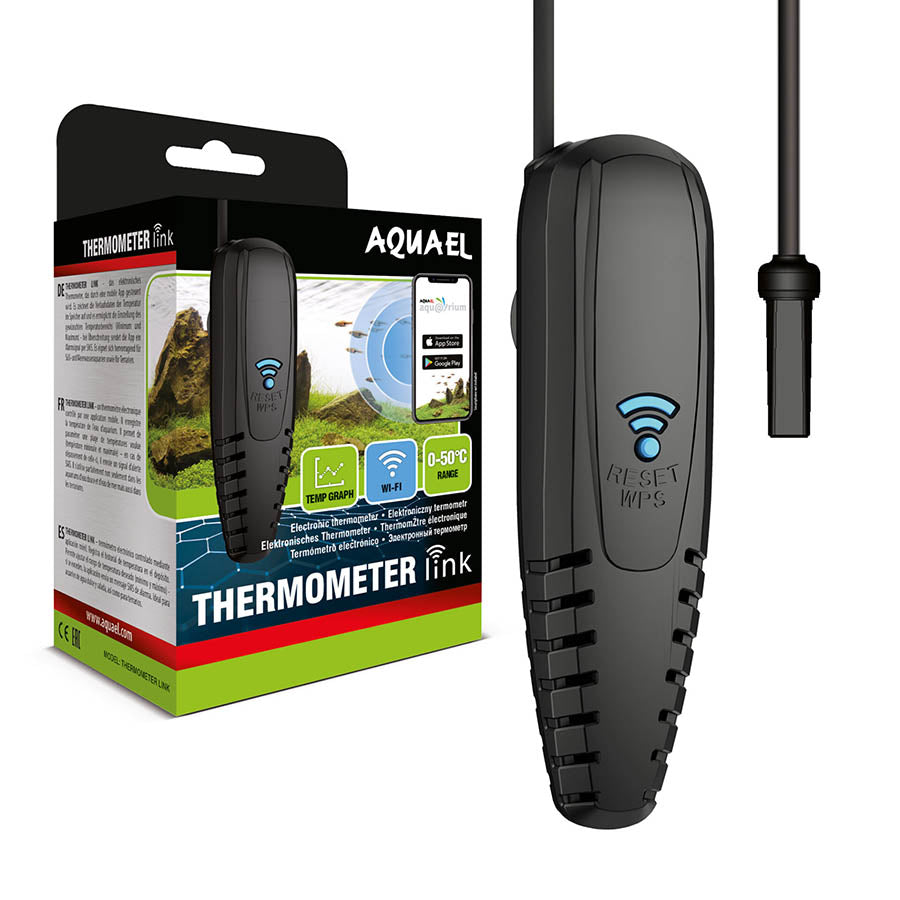
Aquael Thermometer Link offers app-based temperature monitoring, stored readings and notifications when temperatures fall outside the selected range. Reef Factory Thermo Control monitors water temperature and controls connected heating and cooling equipment. These functions differ from a basic thermometer, which displays temperature rather than regulating it. Check device requirements and compatibility before choosing a monitoring or control option.